Return to Screenshots
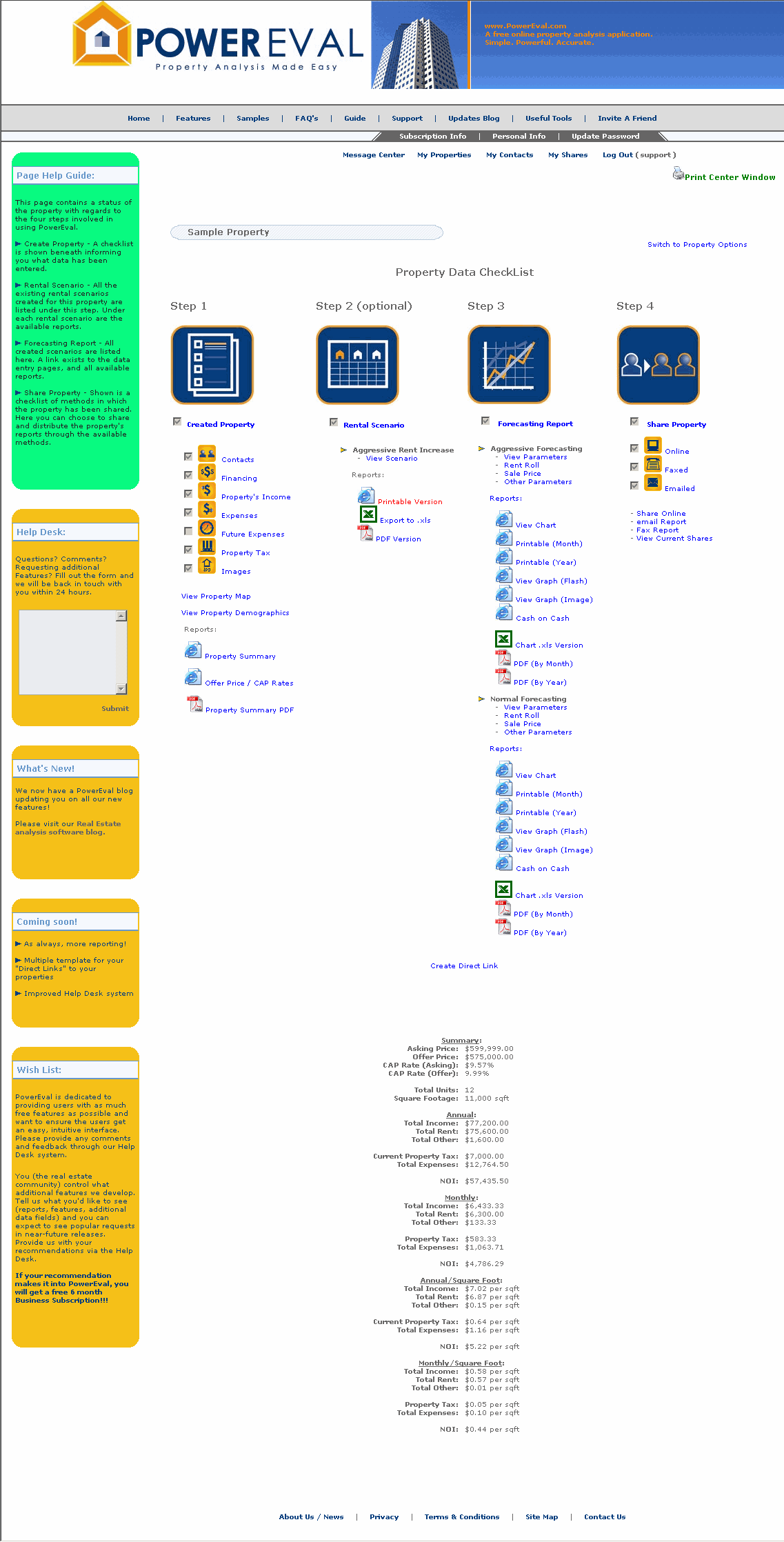
This page shows you a checklist of the different steps involved in utilizing the real estate analysis software. Listed under each step are the different data entry pages and a checkbox showing if the step has been completed. Also listed under each step are the corresponding reports tied to each step. A quick summary of the property is also shown on this page.
Notice you can navigate through the various steps and data entry page by simply clicking on the corresponding field.
Detailed help is located in the left hand column labelled "Page Help". From here, you can click "Additional Help", which will open up the Real Estate Analysis Software Guide directly to the related chapter.
From any page within the software you can access the Help Desk system and submit any questions, concerns or recommendations.